ANOC.tv2.0.15
Publisher Description
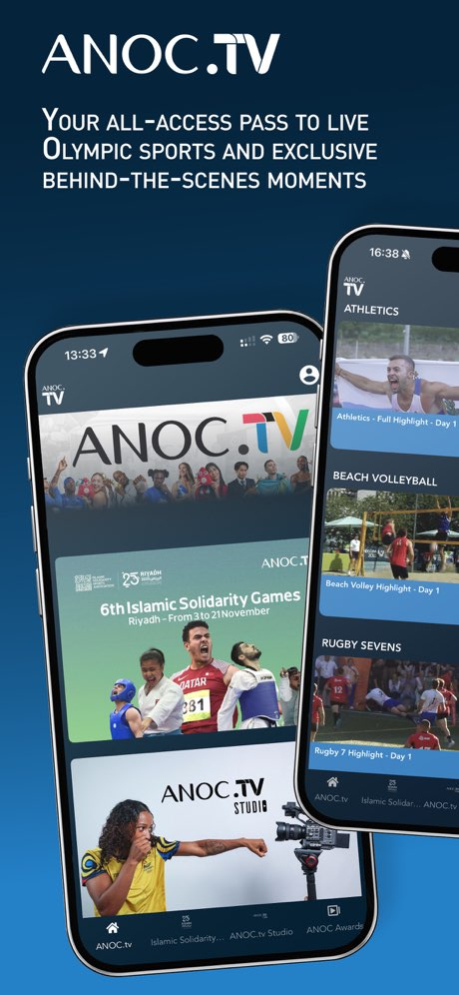
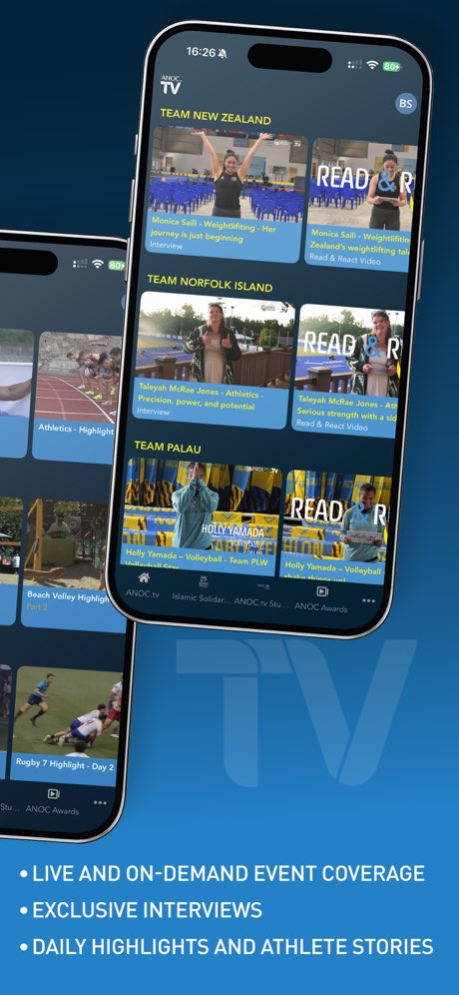


ANOC.tv - The home of Olympic sports from all 206 National Olympic Committees.
Experience the excitement of global multisport events, streamed live from around the world. With ANOC.tv, you can watch competitions featuring athletes from every corner of the planet - all 206 National Olympic Committees united in one place.
Go beyond the competition with exclusive behind-the-scenes content created by ANOC.tv Studio. Discover inspiring athlete stories, training sessions, interviews, and unseen moments that capture the true Olympic spirit.
Whether it’s world-class performances, emotional victories, or cultural moments from international events, ANOC.tv brings you closer to the action than ever before.
Enjoy live broadcasts, on-demand highlights, and unique studio productions available anytime, anywhere. Follow your favorite athletes and National Olympic Committees, explore their journeys, and celebrate their achievements.
With ANOC.tv, every sport, every athlete, and every nation has a voice.
This is your all-access pass to the world of Olympic sport - uniting fans, athletes, and nations through the power of sport.
Download ANOC.tv now and join the global Olympic family. Watch. Discover. Celebrate.
Version History Bug Fix 2.0.15 Aug 26 bug fix 2.0.14 Aug 7 1.40.27 11/07/2025
About ANOC.tv
The company that develops ANOC.tv is Sportall. The latest version released by its developer is 2.0.15.
To install ANOC.tv on your iOS device, just click the green Continue To App button above to start the installation process. The app is listed on our website since 2026-10-13 and was downloaded 0 times. We have already checked if the download link is safe, however for your own protection we recommend that you scan the downloaded app with your antivirus. Your antivirus may detect the ANOC.tv as malware if the download link is broken.
How to install ANOC.tv on your iOS device:
- Click on the Continue To App button on our website. This will redirect you to the App Store.
- Once the ANOC.tv is shown in the iTunes listing of your iOS device, you can start its download and installation. Tap on the GET button to the right of the app to start downloading it.
- If you are not logged-in the iOS appstore app, you'll be prompted for your your Apple ID and/or password.
- After ANOC.tv is downloaded, you'll see an INSTALL button to the right. Tap on it to start the actual installation of the iOS app.
- Once installation is finished you can tap on the OPEN button to start it. Its icon will also be added to your device home screen.
Program Details
System requirements
Download information
Pricing
Version History
version 2.0.15
posted on 2026-10-13
Version History Bug Fix 2.0.15 Aug 26 bug fix 2.0.14 Aug 7 1.40.27 11/07/2025
version 2.0.14
posted on 2026-08-22
Version History bug fix 2.0.14 Aug 7 1.40.27 11/07/2025
